



Usability testing is a practical way to discover how real users experience a website, application, or digital product. Instead of asking whether a design looks good, usability testing focuses on whether people can understand the interface, find what they need, and complete important tasks.
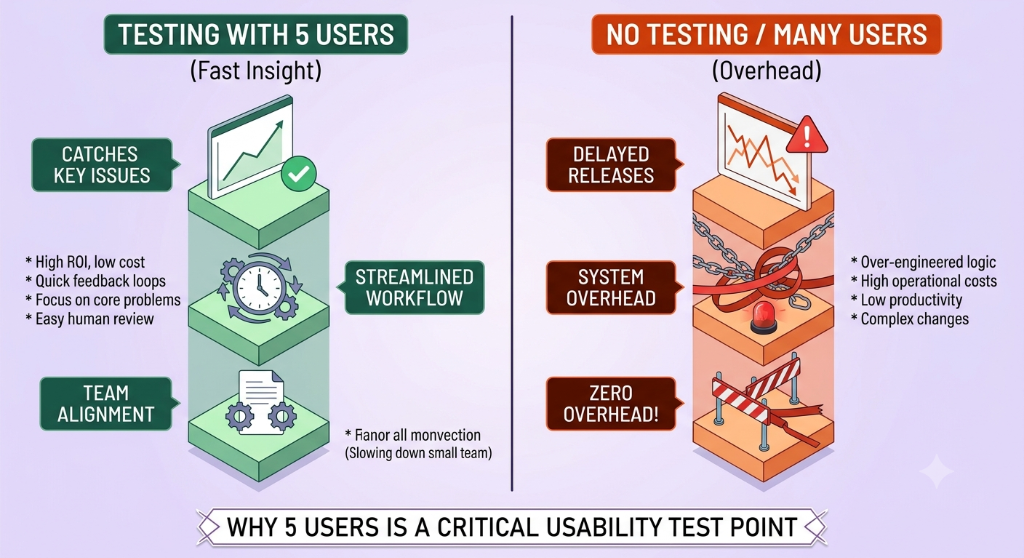
You do not always need a large research program to uncover useful usability problems. A small, focused study with five participants can reveal recurring issues when the sessions are carefully planned and the right tasks are tested.
What Is Usability Testing?
Usability testing involves observing people as they attempt to complete representative tasks with a product. The researcher or product team watches what participants do, listens to their feedback, and records where they experience confusion, errors, delays, or difficulty.
The goal is not to test whether the participant is capable. The goal is to understand how well the product supports the task.
For example, instead of asking a participant whether a checkout page is easy to use, ask them to find a product, add it to the cart, and complete the steps they would normally use to purchase it.
Why Test With Five Users?
A small usability study can be useful when the objective is to identify common interaction problems rather than produce statistically representative research.
Five participants can provide a manageable starting point for qualitative usability testing, particularly when participants represent the intended audience and the tasks are focused.
The result should not be interpreted as proof that every user will experience the same problems. Instead, findings should be treated as evidence that certain parts of the experience deserve investigation or improvement.
Start With a Clear Testing Goal
Before recruiting participants, define what you want to learn.
A vague goal such as "test the website" makes it difficult to design useful sessions. A focused goal gives the study a clear direction.
Examples include:
- Determine whether new users can find a particular feature.
- Identify where users struggle during account registration.
- Understand why users abandon a particular workflow.
- Check whether users understand the information presented on a page.
- Identify confusing steps in a checkout or onboarding process.
A good testing goal should connect directly to an actual product or business question.
Choose the Right Participants
The participants should reasonably represent the type of people who are expected to use the product.
For example, if you are testing an employee-management application, participants who regularly perform employee-related administrative tasks may provide more relevant observations than people who have never encountered those workflows.
Participant selection does not need to be unnecessarily complicated for a small study, but avoid choosing participants only because they are convenient if they have little connection to the target audience.
Create Realistic Tasks
The quality of the tasks strongly affects the quality of the test.
Tasks should describe a realistic goal without unnecessarily telling participants exactly which buttons to press.
For example, instead of saying:
"Click the Employees menu, click Add Employee, and enter the employee's information."
you could provide a goal such as:
"You need to add a new employee to the system. Show me how you would do that."
The second approach allows you to observe whether the participant can discover the intended workflow independently.
Keep the Tasks Focused
Do not attempt to test every feature in a single session.
Select a small number of important workflows that directly support your testing goal. A focused session makes it easier to observe behavior and compare findings between participants.
Useful tasks might involve:
- Finding information.
- Creating or editing an item.
- Completing a form.
- Using search or filtering.
- Completing an onboarding process.
- Checking out or submitting a request.
Prepare a Simple Test Plan
A test plan keeps the sessions consistent.
Before starting, document:
- The research objective.
- The target participant profile.
- The tasks to be tested.
- The information you want to observe.
- How findings will be recorded.
- Any specific success or failure conditions.
The plan does not need to be complicated. Its main purpose is to ensure that each participant receives a comparable testing experience.
Explain the Session Before Starting
Participants should understand what will happen during the session.
Explain that you are evaluating the product rather than evaluating them. Encourage them to describe what they expect to happen and mention when something is confusing.
A simple introduction can establish a comfortable environment and reduce the pressure participants may otherwise feel when they encounter a problem.
Observe Instead of Teaching
One of the most common usability-testing mistakes is helping participants too quickly.
If a participant cannot find something, it can be tempting to tell them where to click. Doing so may solve the immediate problem but removes the opportunity to learn that the interface itself caused confusion.
Instead, allow the participant enough time to attempt the task and observe what they try.
You can ask neutral questions such as:
- What are you looking for?
- What do you expect to happen here?
- What would you try next?
- What made you choose that option?
Record Behavior, Not Just Opinions
Participants may say that they like or dislike a design, but observable behavior often provides more actionable information.
Record things such as:
- Where the participant hesitated.
- Which controls they tried.
- Where they made an error.
- Which information they overlooked.
- When they asked for clarification.
- Whether they completed the task.
- What they expected before taking an action.
These observations provide concrete evidence that can be discussed with designers, developers, and product stakeholders.
Separate Observation From Interpretation
It is useful to distinguish what you actually observed from what you think caused the problem.
For example:
Observation: The participant looked at the page navigation, opened two menus, and then used the search field to find the feature.
Interpretation: The navigation structure may not have made the feature location clear enough.
The observation is directly supported by what happened during the session. The interpretation is a hypothesis that may require additional investigation.
Watch for Repeated Problems
After each session, compare the findings with previous participants.
If several participants independently struggle with the same workflow, that is a useful signal that the problem deserves closer attention.
However, do not assume that a problem must occur repeatedly before it matters. A single observation can still reveal a serious usability issue, particularly if it prevents an important task from being completed.
Prioritize Usability Problems
Not every observation needs to be fixed immediately.
A practical prioritization approach considers:
- How important the affected task is.
- How much the issue interferes with completing the task.
- How frequently the problem appears.
- Whether users can recover without assistance.
- Whether the problem affects a large part of the product.
For example, confusion on an optional settings page may require less immediate attention than a problem that prevents users from completing registration.
Use a Findings Table
A structured findings table makes usability results easier to review and communicate.
| Finding | Evidence | Impact | Suggested Next Step |
|---|---|---|---|
| Users cannot easily find a feature. | Participants searched multiple areas before locating it. | Users may spend unnecessary time navigating. | Review navigation labels and information architecture. |
| Form instructions are unclear. | Participants repeatedly asked what information was required. | Users may enter incorrect information. | Improve labels and supporting instructions. |
| Error recovery is confusing. | Participants saw an error but did not know how to correct it. | Task completion may stop. | Review error messages and recovery guidance. |
| Users overlook an important control. | Participants completed the task only after searching the interface. | Important functionality may remain undiscovered. | Review control placement, naming, and visual hierarchy. |
Run the Five Sessions Consistently
A simple five-user process can follow the same structure for every participant.
- Introduce the session and explain the purpose.
- Explain that the product is being tested, not the participant.
- Provide the first realistic task.
- Observe the participant without unnecessarily helping.
- Record important behavior and comments.
- Repeat the selected tasks.
- Ask short follow-up questions after the tasks.
- Thank the participant and end the session.
Keeping the structure consistent makes it easier to compare findings across sessions.
Review the Results After All Sessions
Do not immediately redesign the product after the first participant encounters a problem.
Complete the planned sessions when possible, organize the observations, and look for patterns.
Group related observations together. For example, several apparently different problems may all result from unclear navigation labels. Grouping them can reveal the underlying usability issue rather than treating every observation as a separate defect.
Turn Findings Into Product Improvements
A usability study is valuable only when its findings inform decisions.
For each important finding, document:
- What happened.
- Which task was affected.
- What evidence supports the finding.
- Why the issue matters.
- What change could address it.
- How the change will be verified.
This creates a connection between research and implementation.
Retest Important Changes
After usability issues are addressed, test the updated workflow again.
Retesting does not necessarily require repeating the exact same study immediately. The purpose is to verify that the specific problem has been reduced without introducing another problem elsewhere.
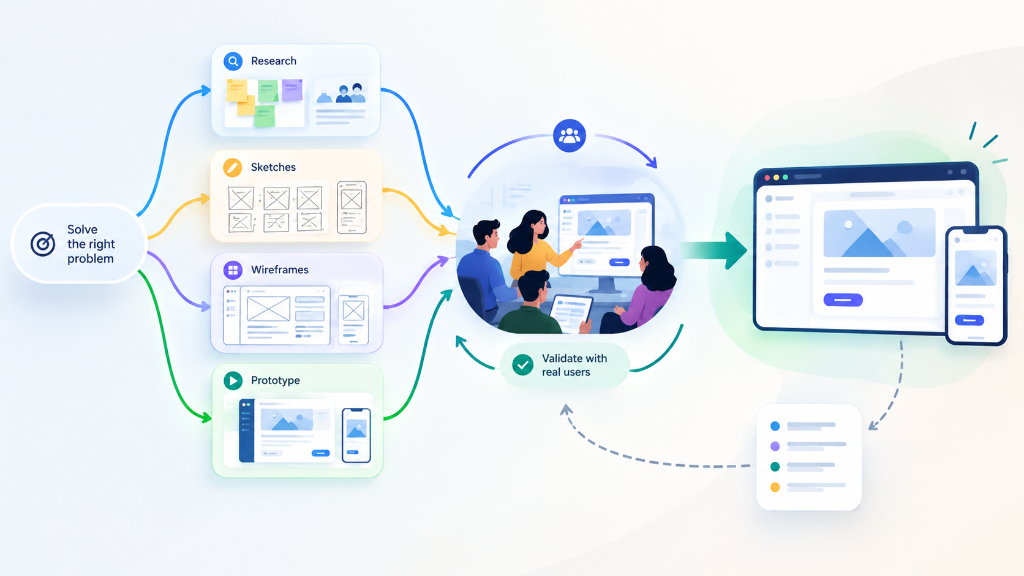
For important workflows, usability testing can become an iterative process: test, identify problems, improve, and test again.
Common Usability Testing Mistakes
- Testing without a clear research goal.
- Choosing participants who do not represent the intended audience.
- Giving participants step-by-step instructions that hide navigation problems.
- Helping participants too quickly.
- Focusing only on what participants say instead of what they do.
- Treating every observation as equally important.
- Assuming five participants represent the entire user population.
- Changing the testing procedure significantly between participants.
- Ignoring problems because only one participant encountered them.
- Collecting findings without converting them into actionable product decisions.
A Practical Five-User Usability Testing Checklist
- Define one clear research objective.
- Identify the intended participant profile.
- Recruit five relevant participants when appropriate for the study.
- Prepare realistic task scenarios.
- Keep the session structure consistent.
- Explain that the product, not the participant, is being evaluated.
- Observe participants before providing assistance.
- Record behavior and important comments.
- Separate observations from interpretations.
- Group repeated findings into common themes.
- Consider the impact of each usability problem.
- Prioritize findings for product action.
- Document the evidence behind important findings.
- Implement targeted improvements.
- Retest important workflows after changes.